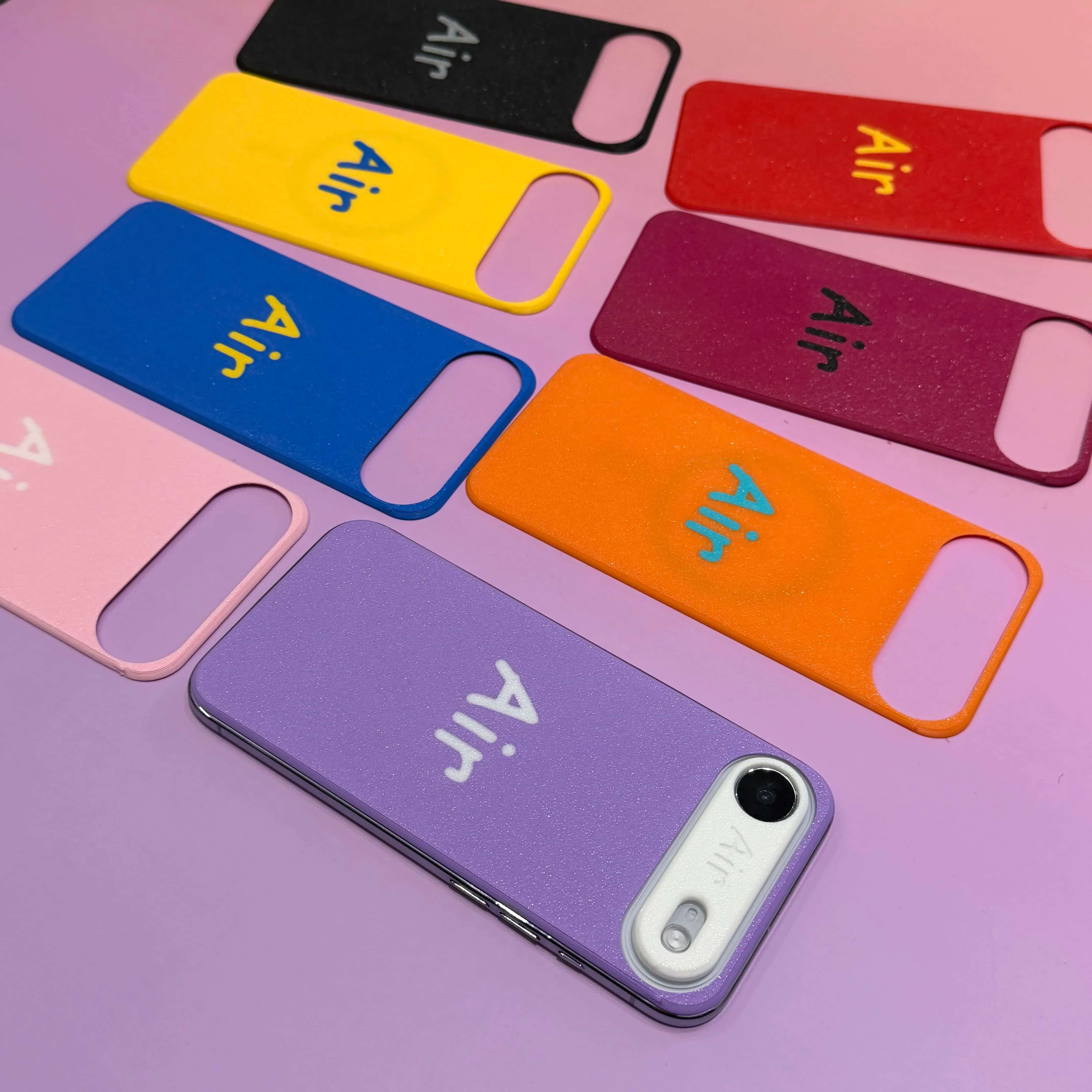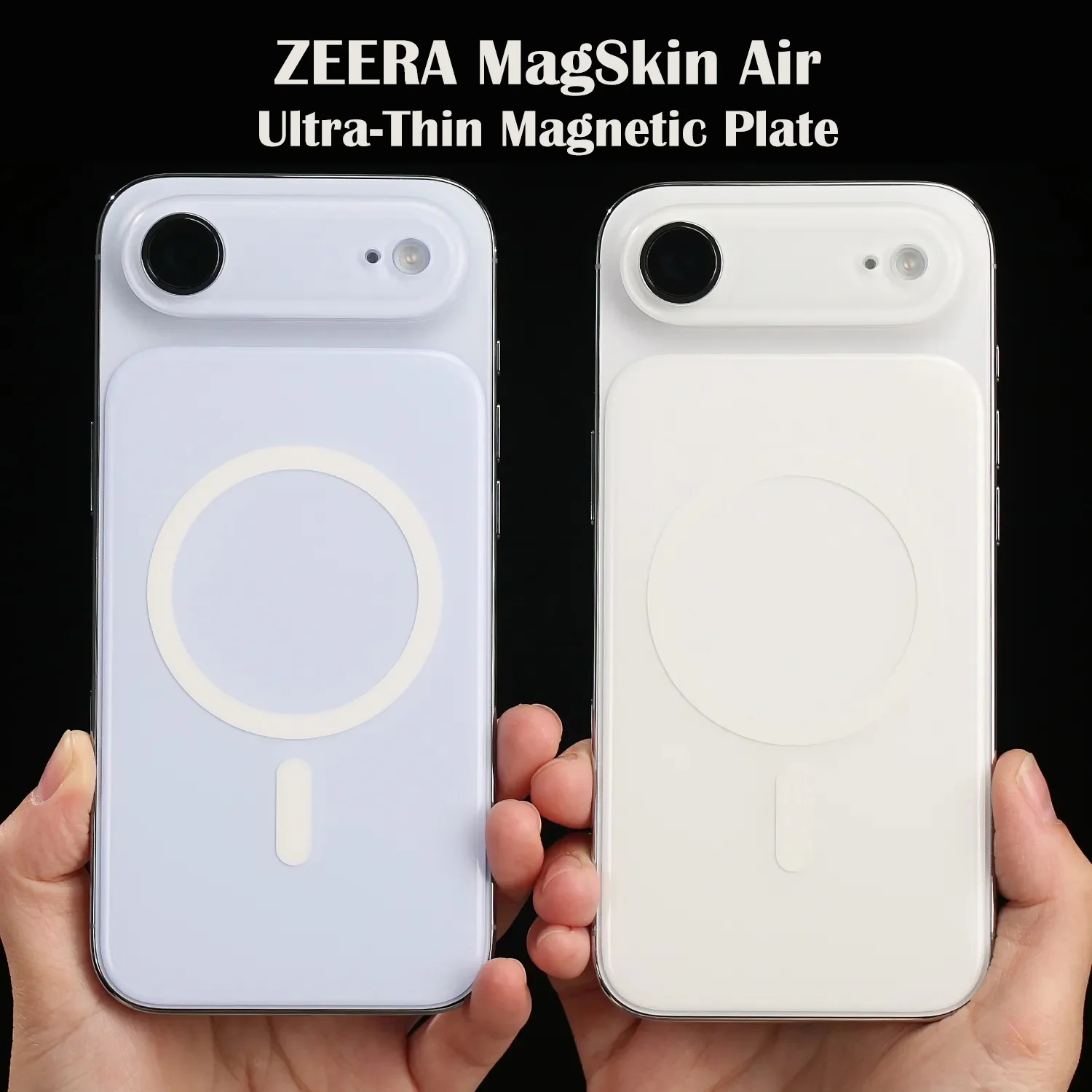
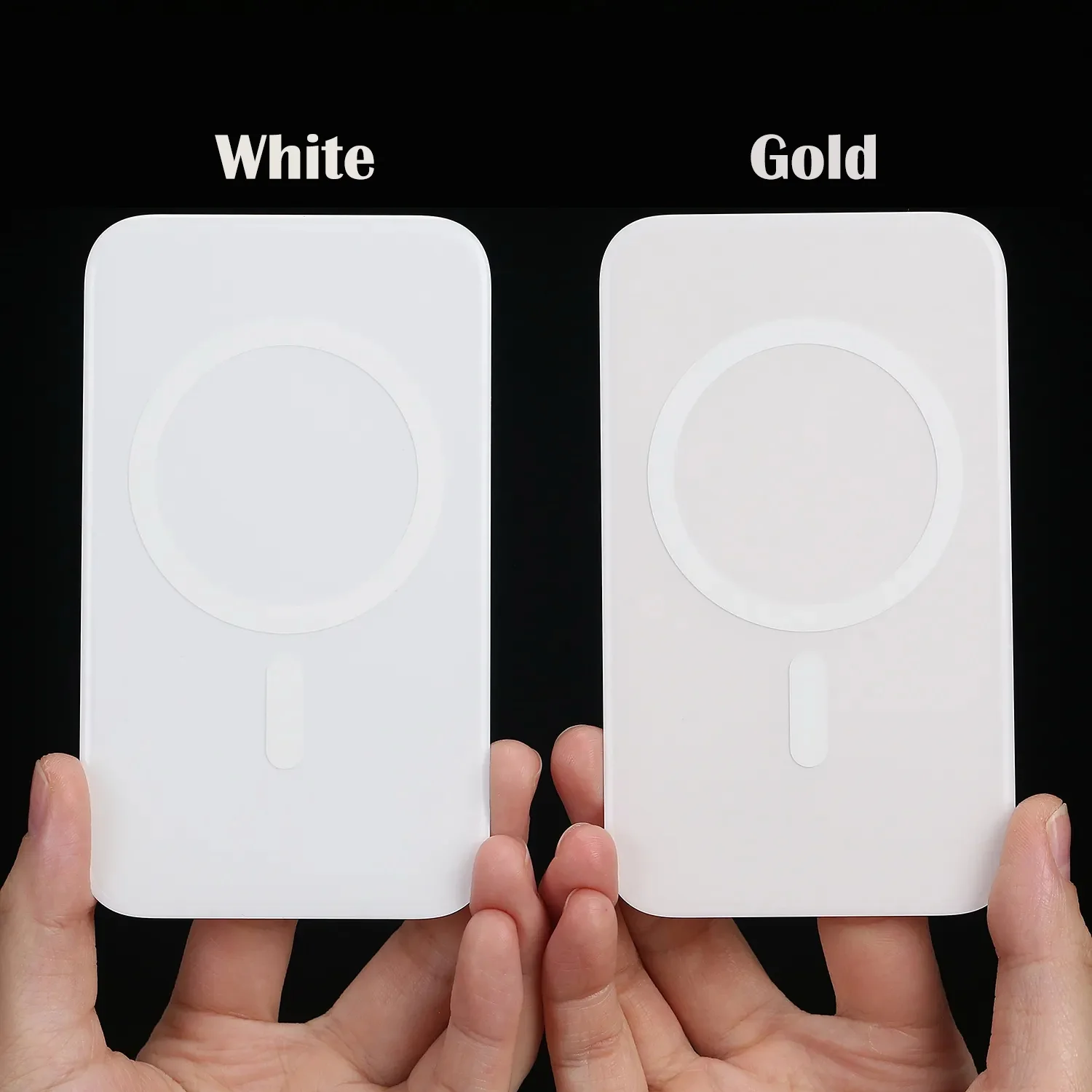
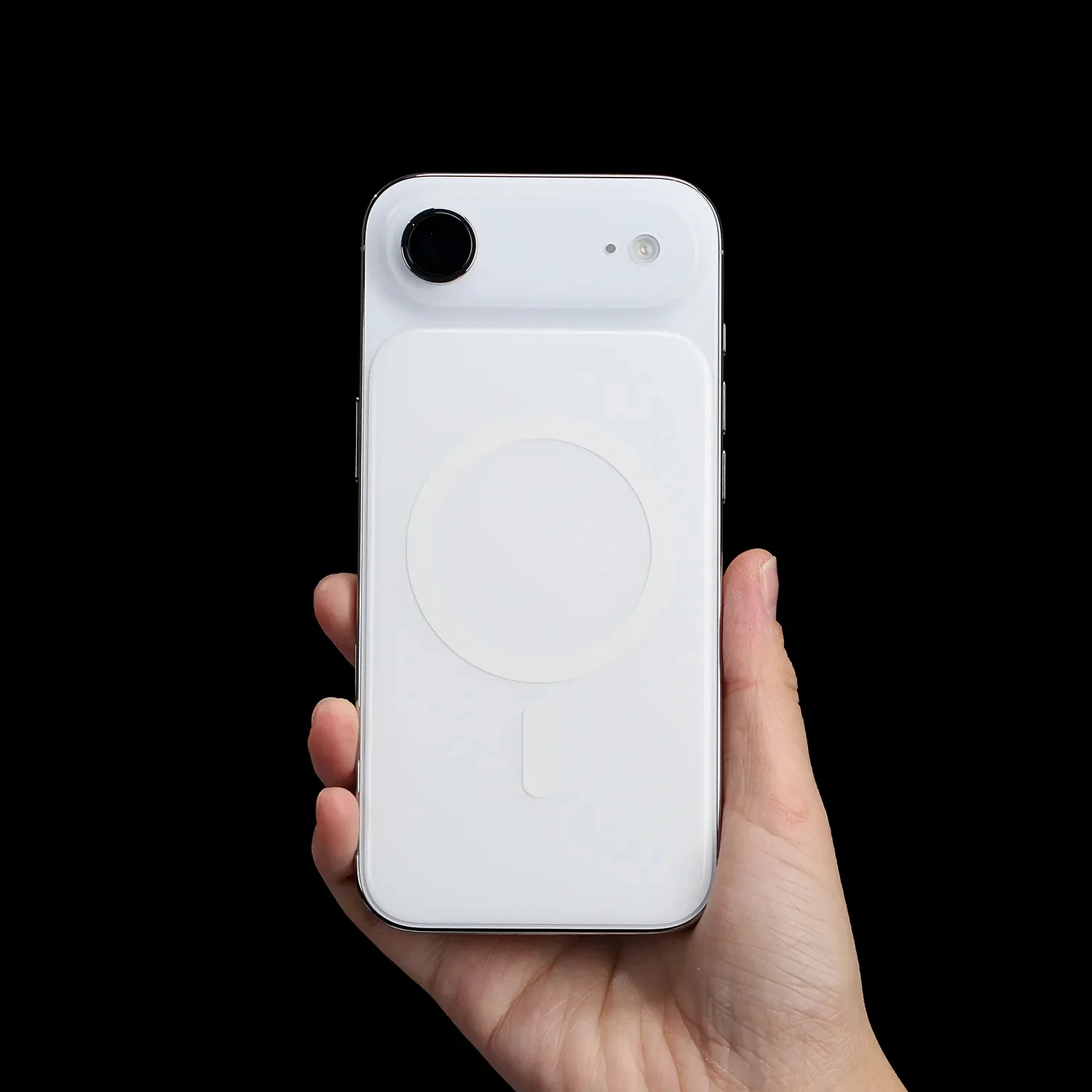
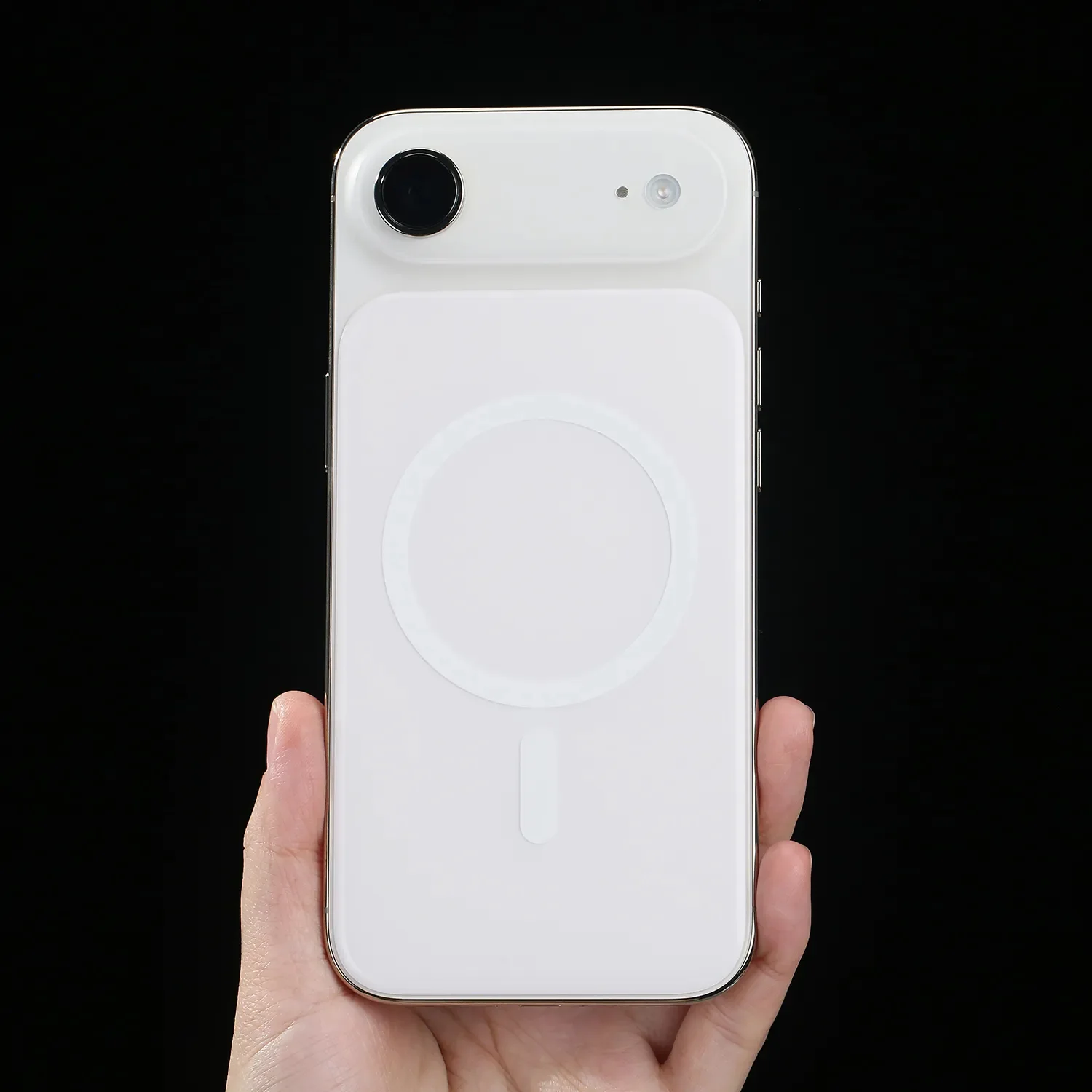
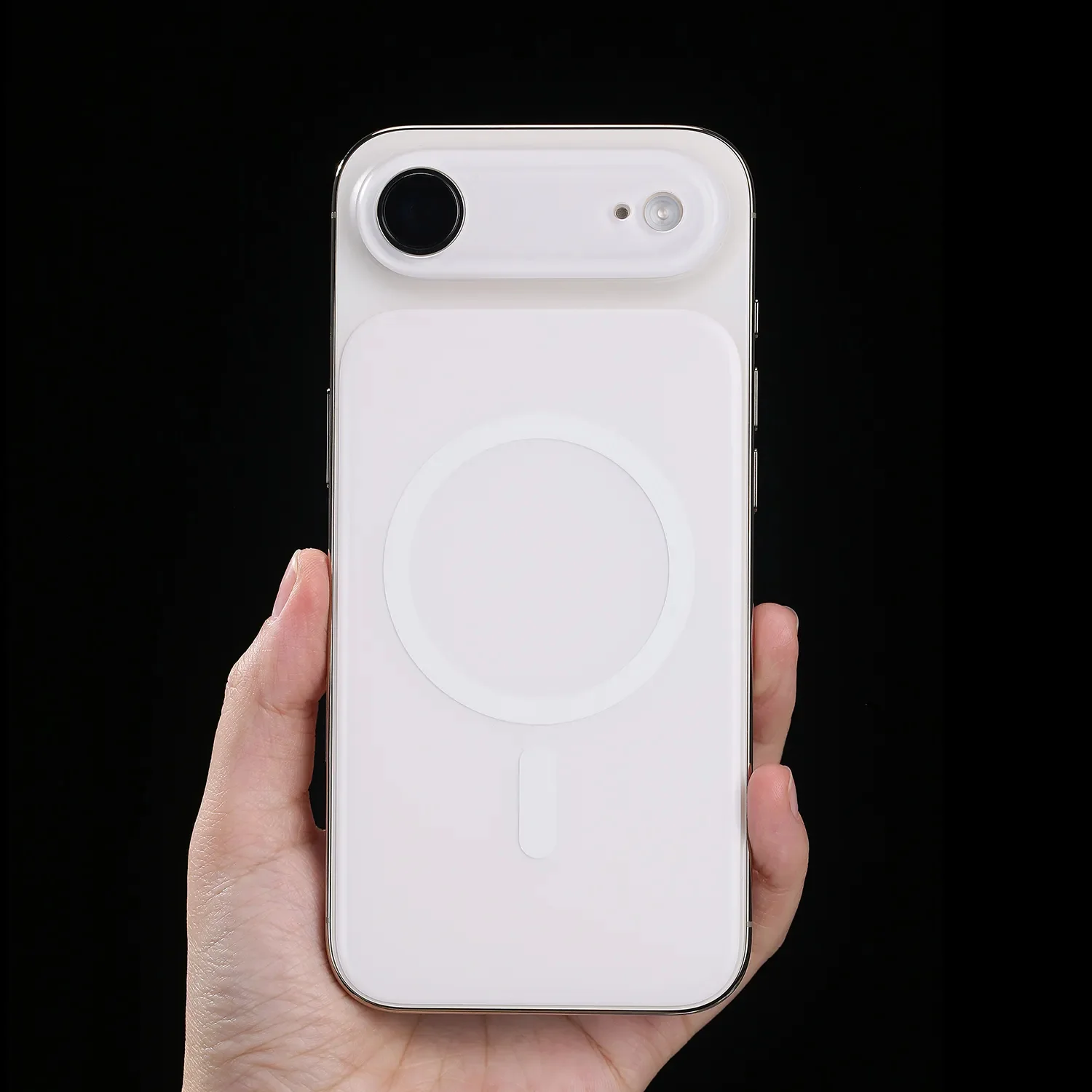
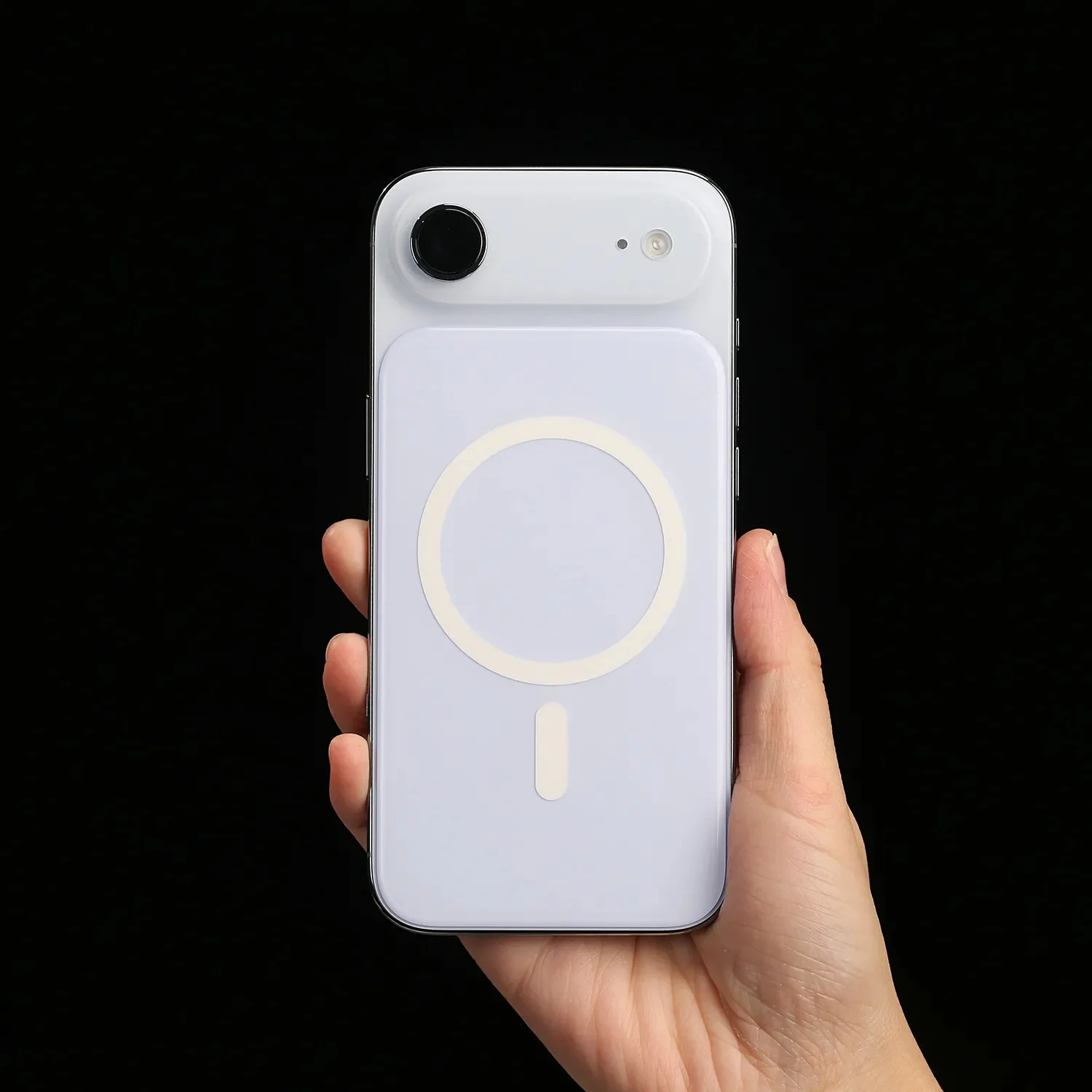
ZEERA MagSkin Air : Ultra-Thin Magnetic MagSafe Back Plate for iPhone Air
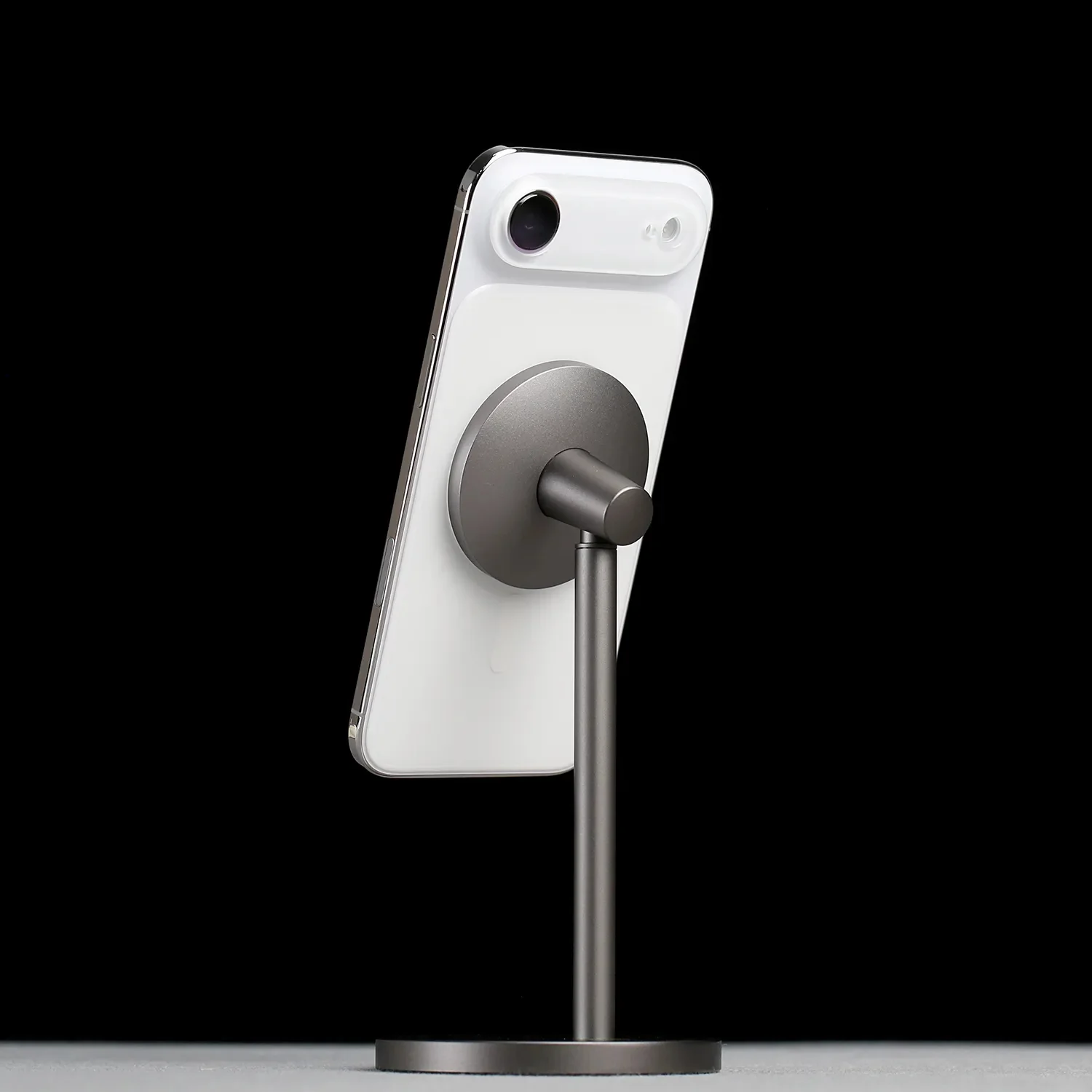
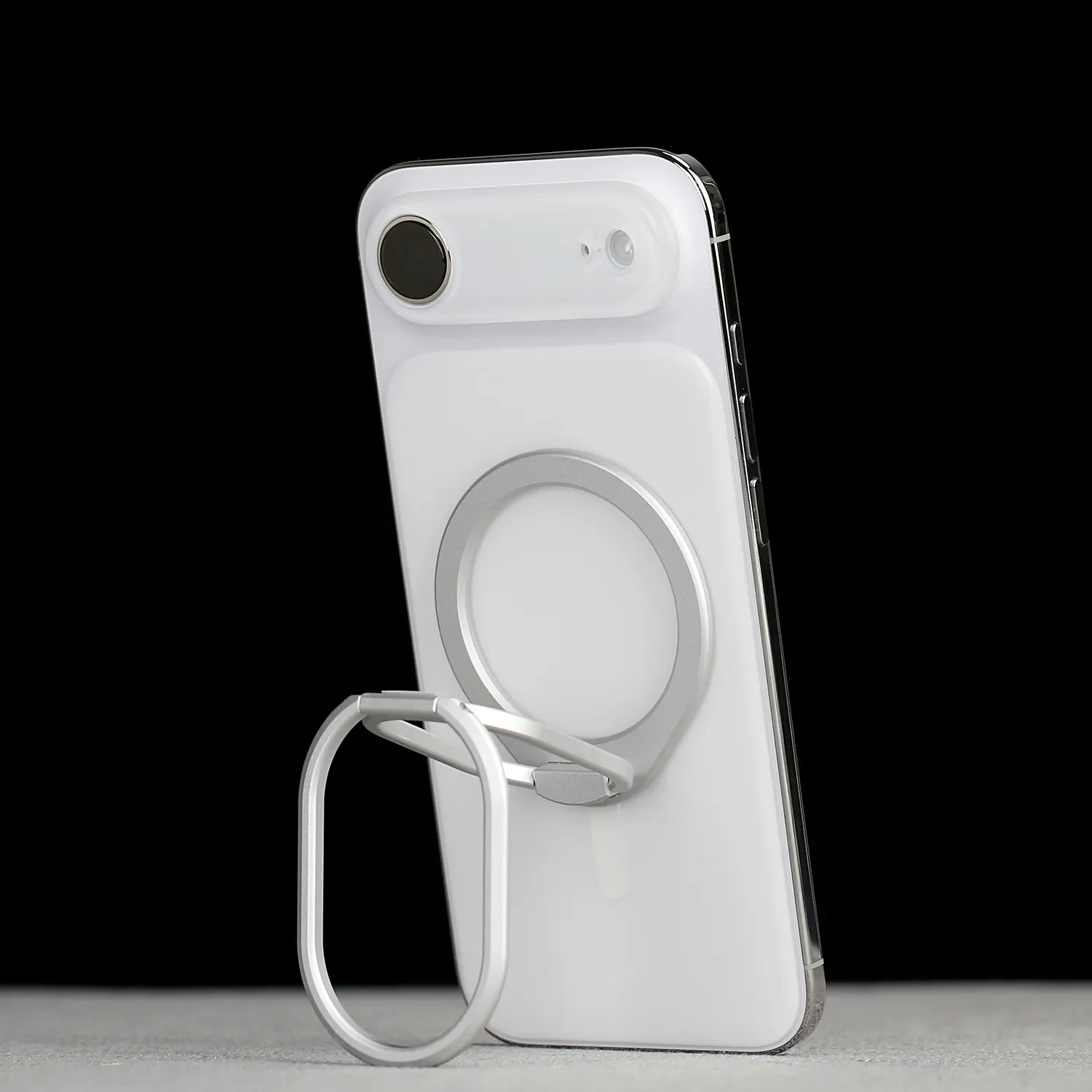
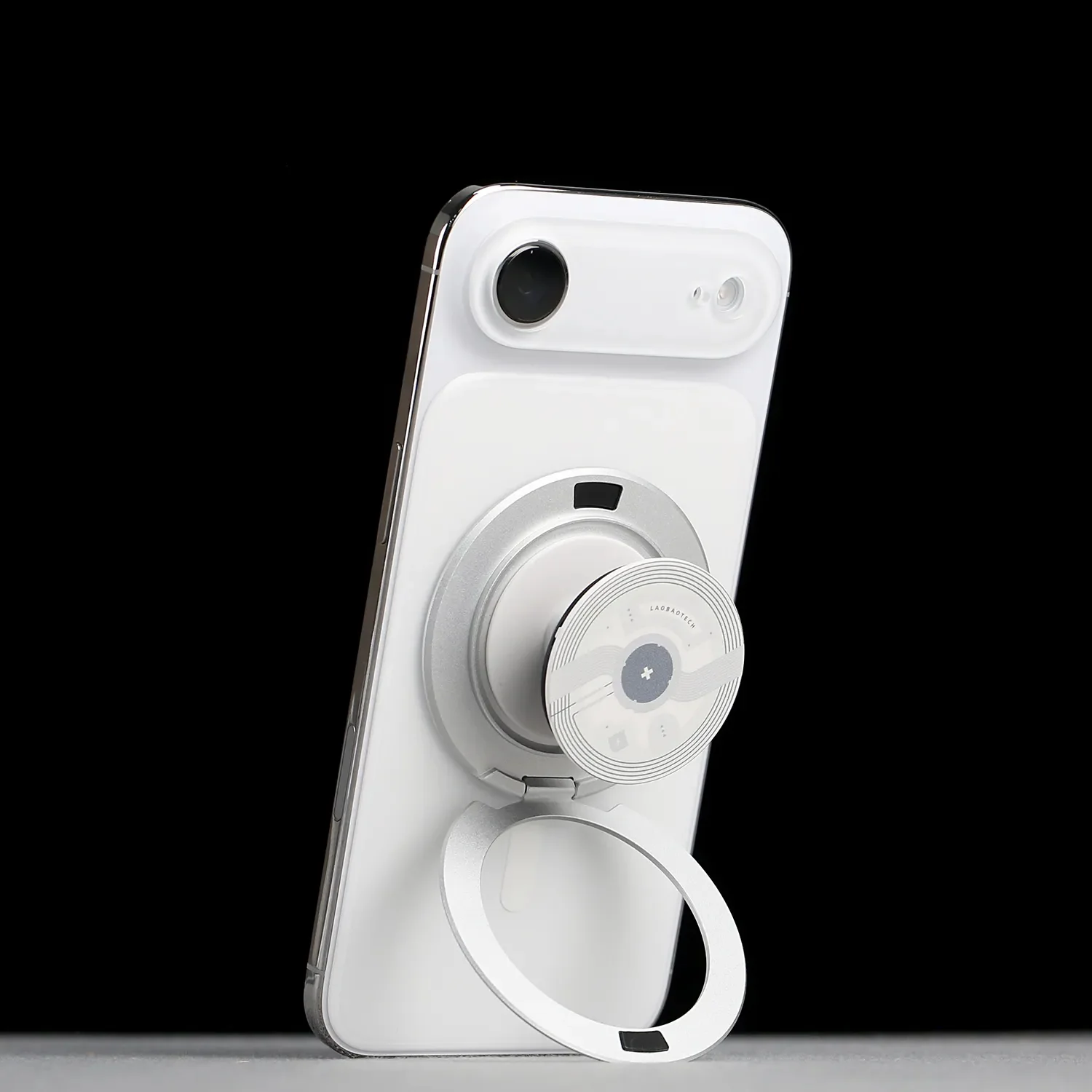
Snap Stronger. Hold Better.
Built with a large integrated MagSafe magnetic array,
delivering stronger magnetic force than the naked phone —
for a more secure and stable attachment to all MagSafe accessories.

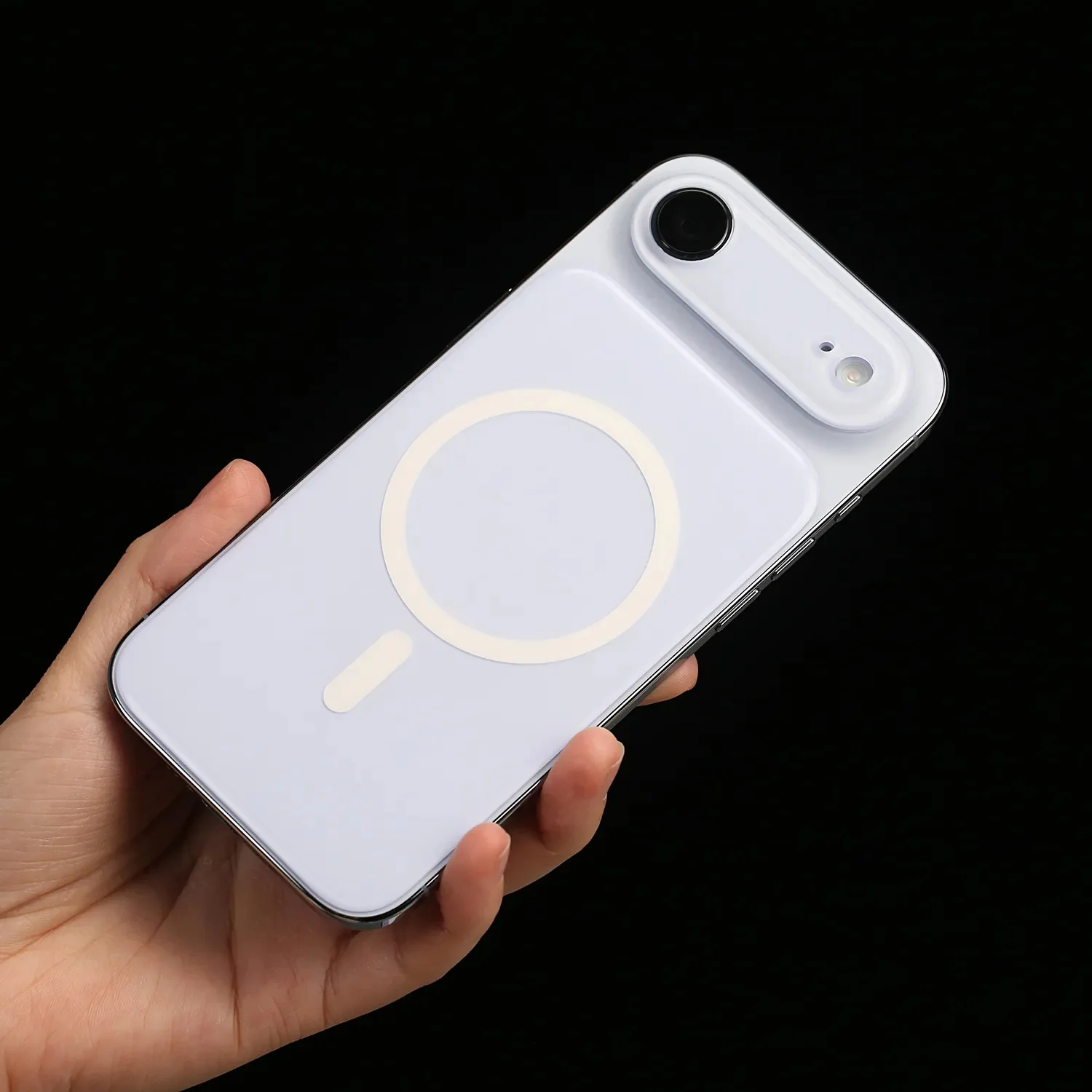
Ultra-Thin. Barely There.
At just 1.1mm thickness,
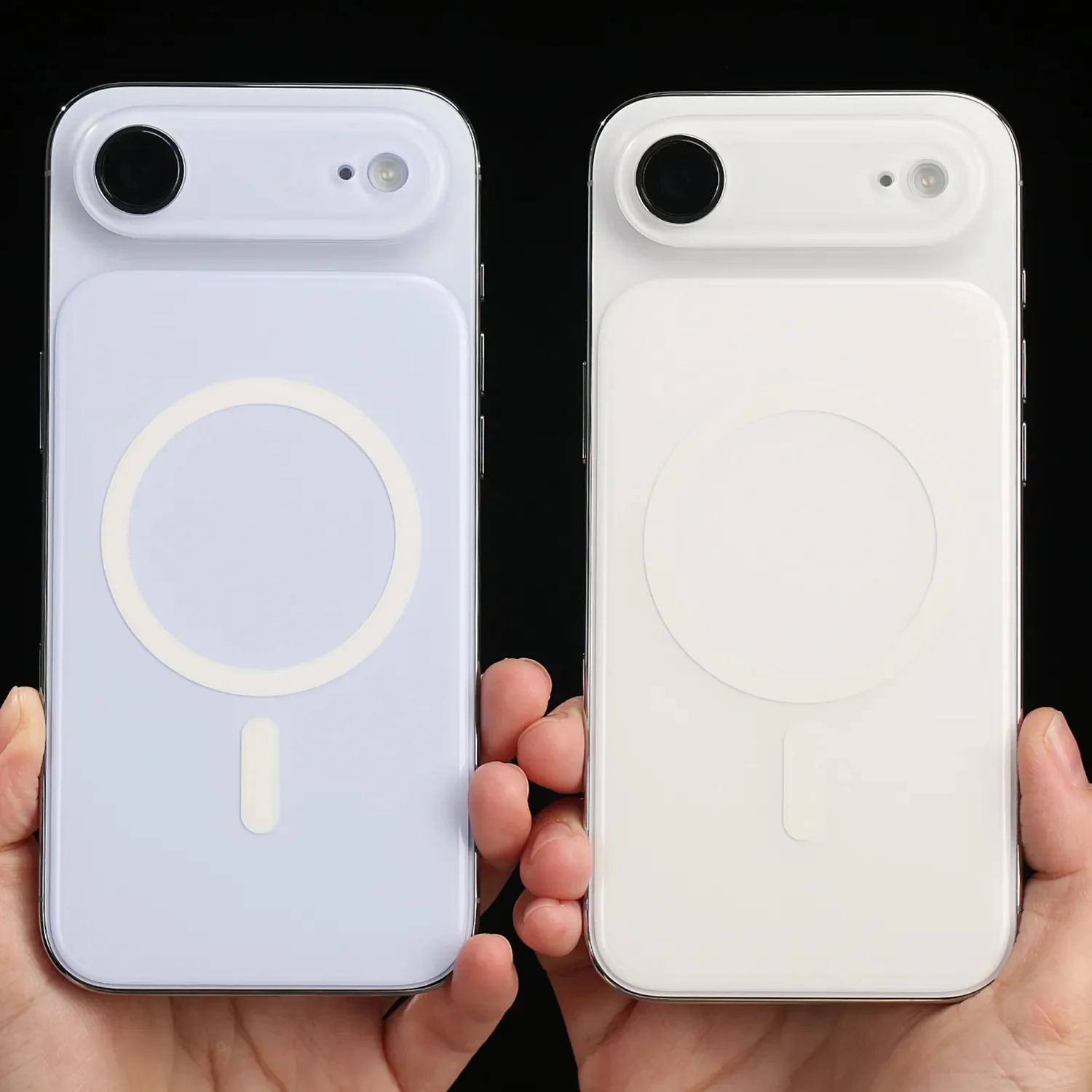
it blends seamlessly into your iPhone Air —
giving you a true bare-metal feel with enhanced grip.

Skin-Like Touch Finish.
Premium matte frosted surface
offers a smooth, skin-like texture that feels natural in hand —
no fingerprints, no sticky feeling.

Protect What Matters.
Covers the back glass area to reduce scratches and wear,
while keeping your phone lightweight and minimal.

No Yellowing. Long-Lasting.
Made from high-quality PC material,
resistant to aging, discoloration, and oxidation over time.

⚠️ Important Notes (Before You Use)
-
This is NOT a phone case
-
No side frame protection
-
Slightly smaller than full back coverage (~0.9mm inward margin)
-
Compatible with Apple official Bumper cases
👉 Think of it as a large magnetic enhancement plate, not a case.

Specifications
-
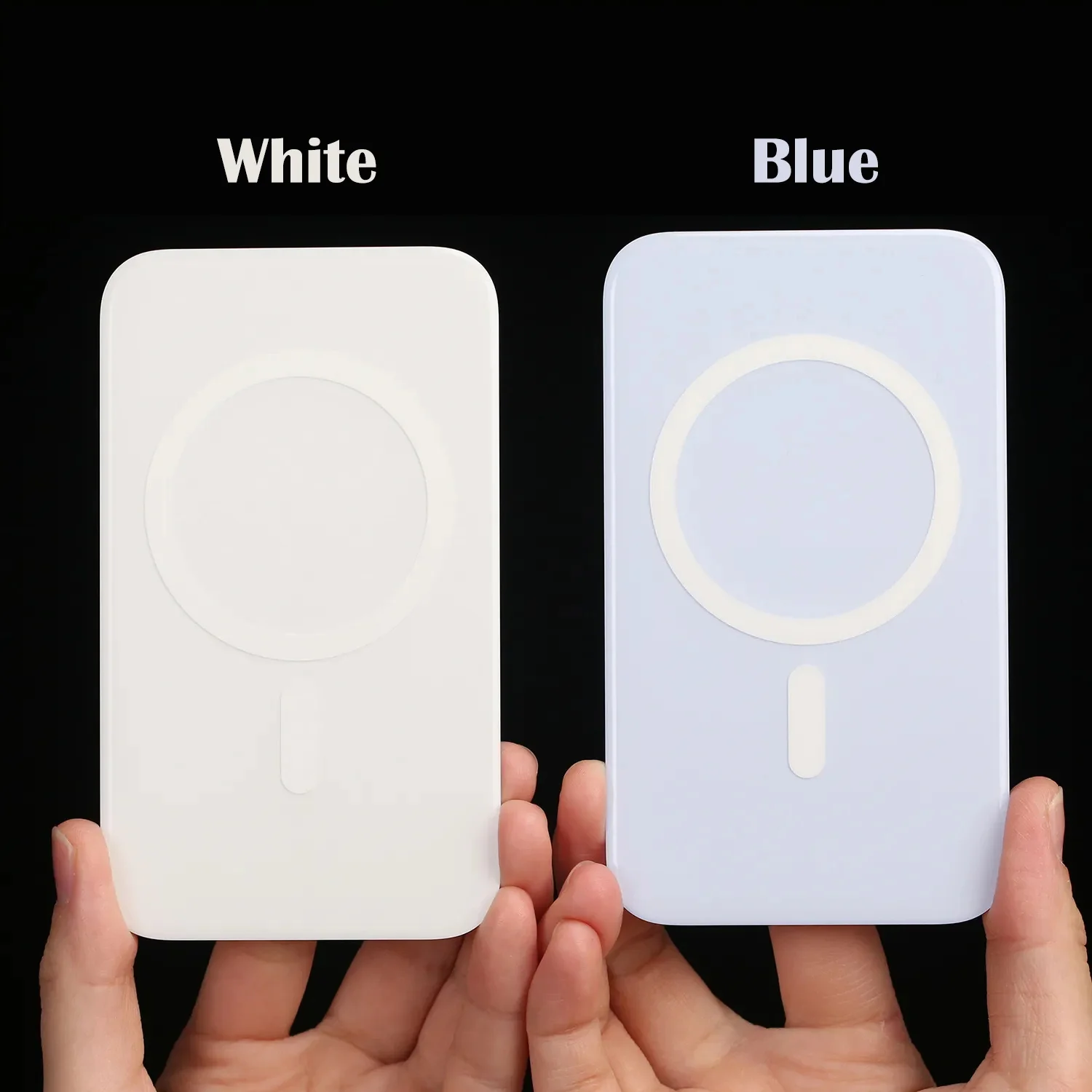
Type: Adhesive Ultra-Thin Flush Magnetic Plate for iPhone Air
-
Material: PC + Magnetic Array
-
Weight: ~13.5g
-
Dimensions: 121.5 × 70.5 × 1.1 mm

How to Install
-
Clean Your Phone
Make sure the back of your phone is clean and free of dust or debris. -
Peel the Adhesive Film
Remove the protective film from the back of MagSkin.
Tip: If magnetic strength is already sufficient, you may choose not to peel it off, or only peel a small portion for light adhesion. -
Align & Attach
Gently place MagSkin onto your phone.
The built-in magnets will help guide it into position — adjust to align with the edges. -
Press to Secure
Once aligned, press down on all four corners to secure it in place.

Usage Tips
-
Avoid dust or sand between iPhone and Magnetic Plate
- If you frequently use magnetic mounts (such as bike mounts, tripods, or magnetic rings), we recommend peeling off the adhesive film and using it together for a more secure and stable hold.

Removal
-
Gently peel from the edge with your fingernail
-
If needed, apply slight heat for easier removal
-
Use the original protective film to cover adhesive for storage
⚠️ Note: Adhesion may weaken after multiple reuses (normal)

Better Together: MagSkin Air × AirFlat Pro
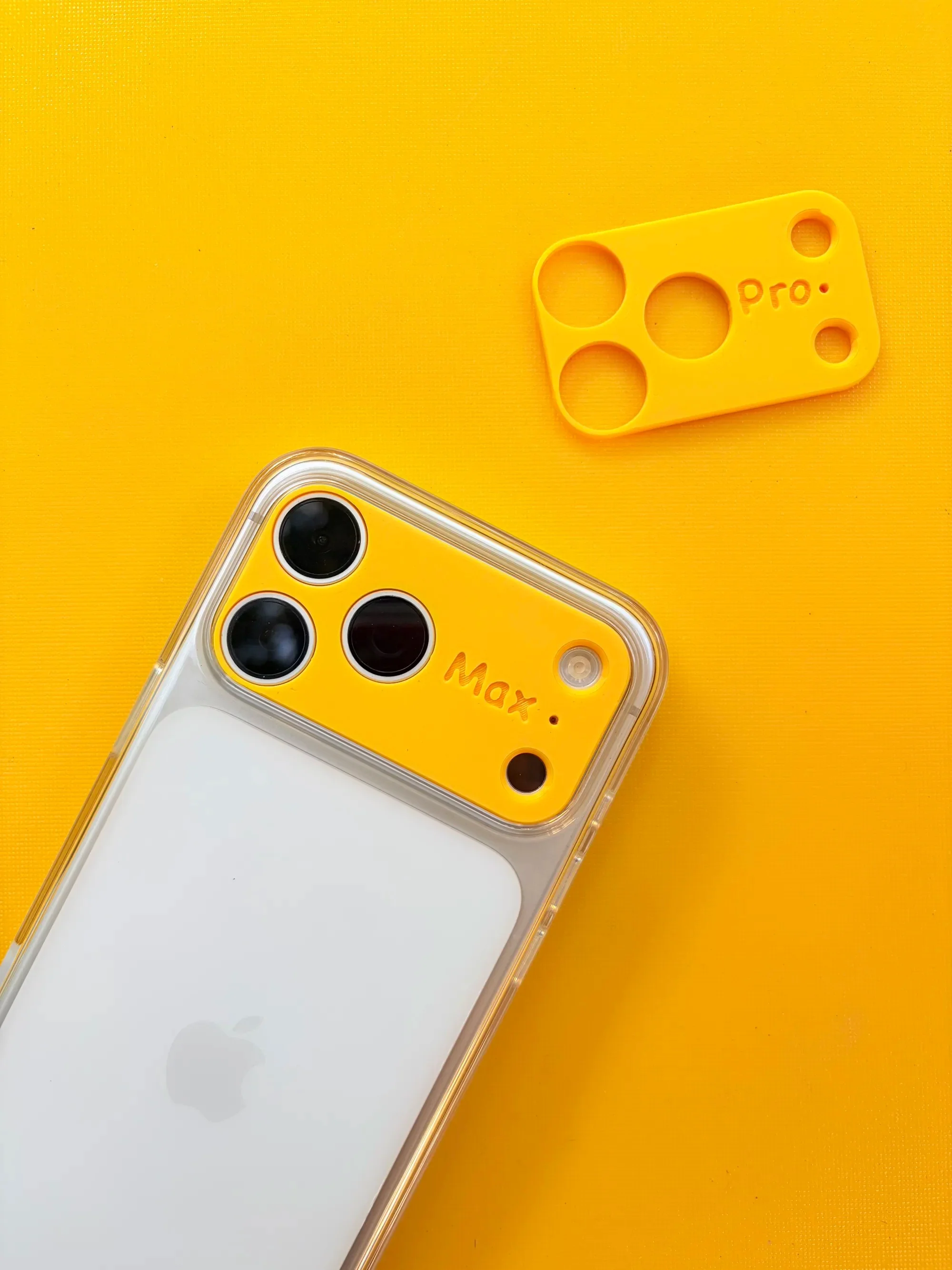
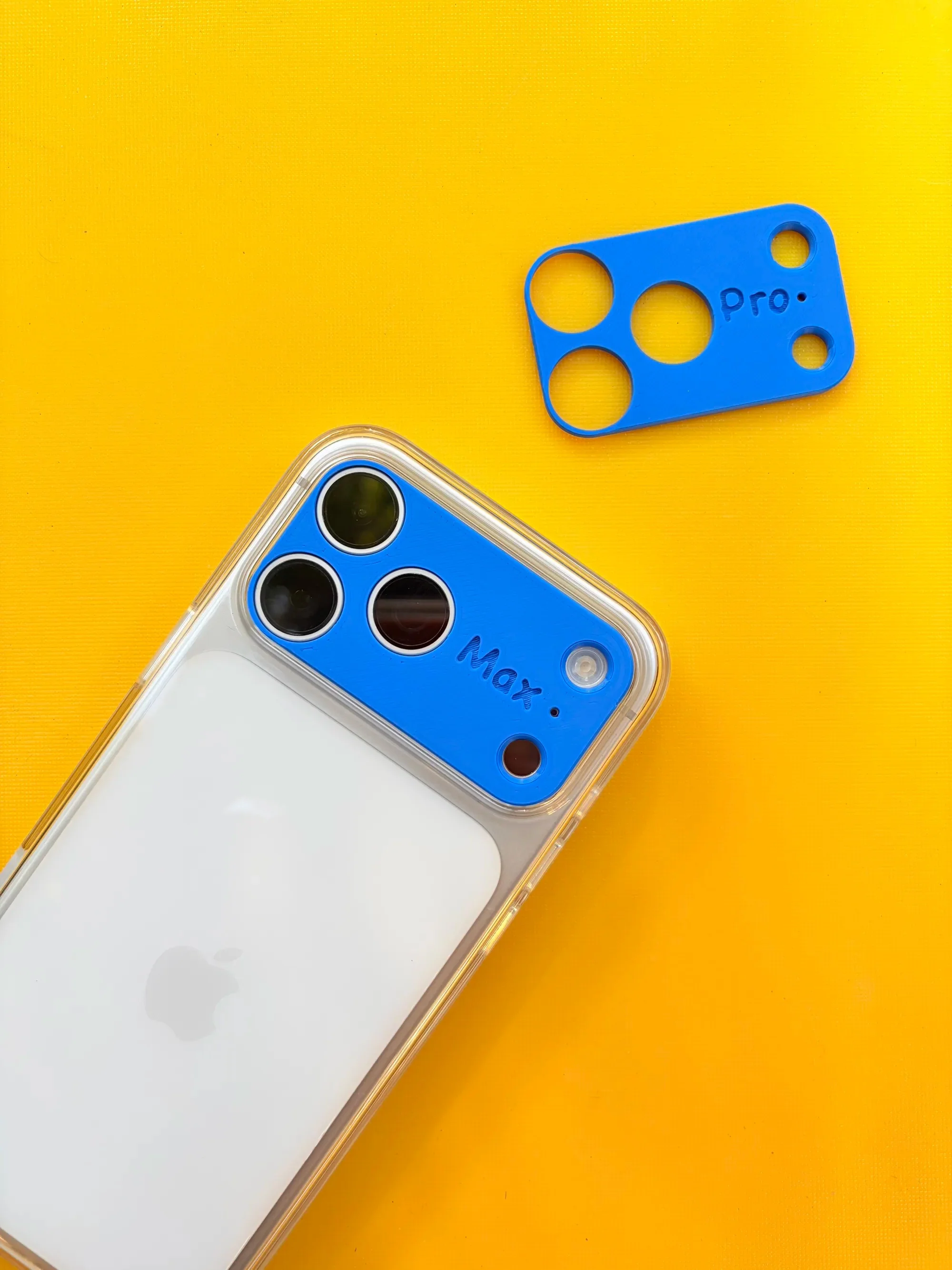
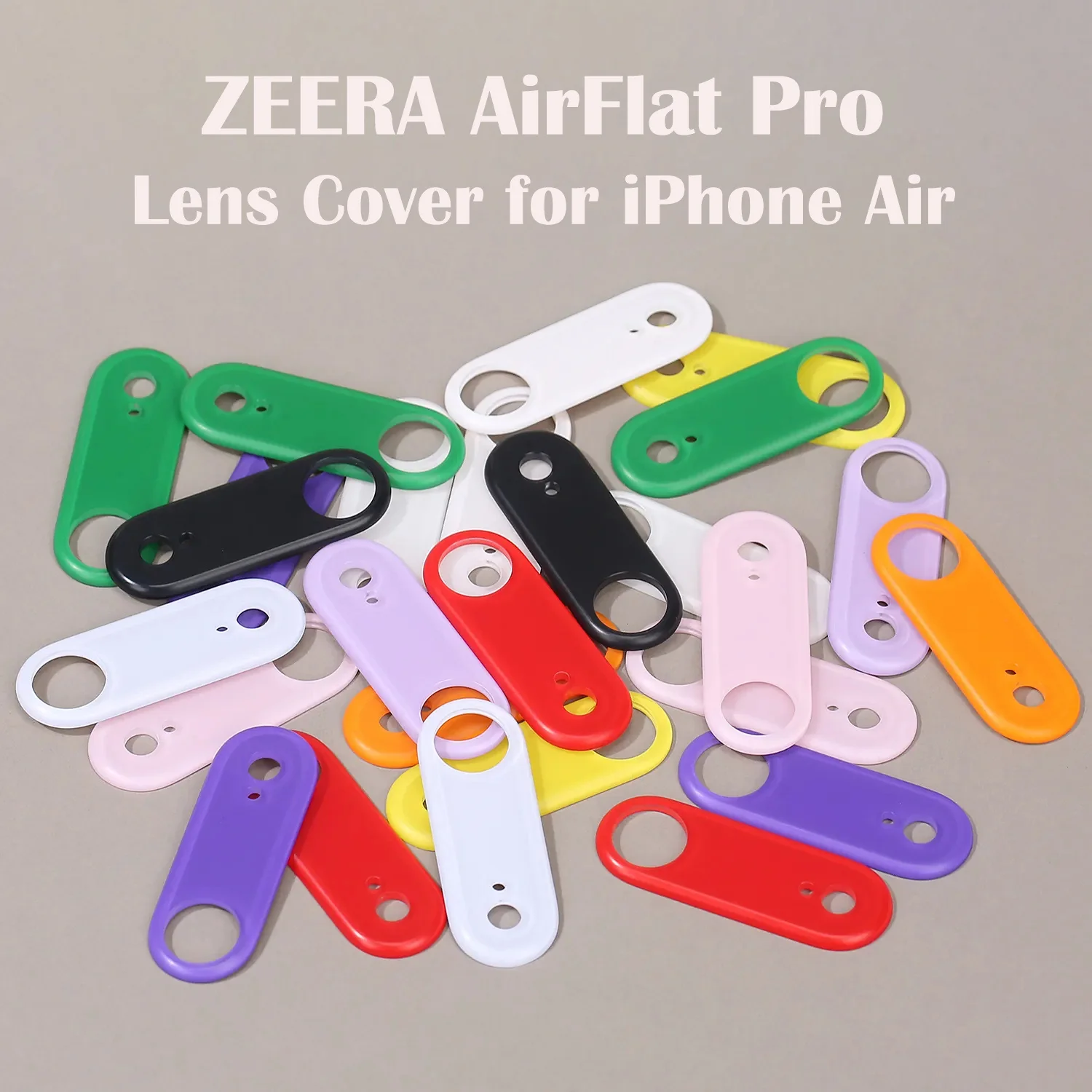
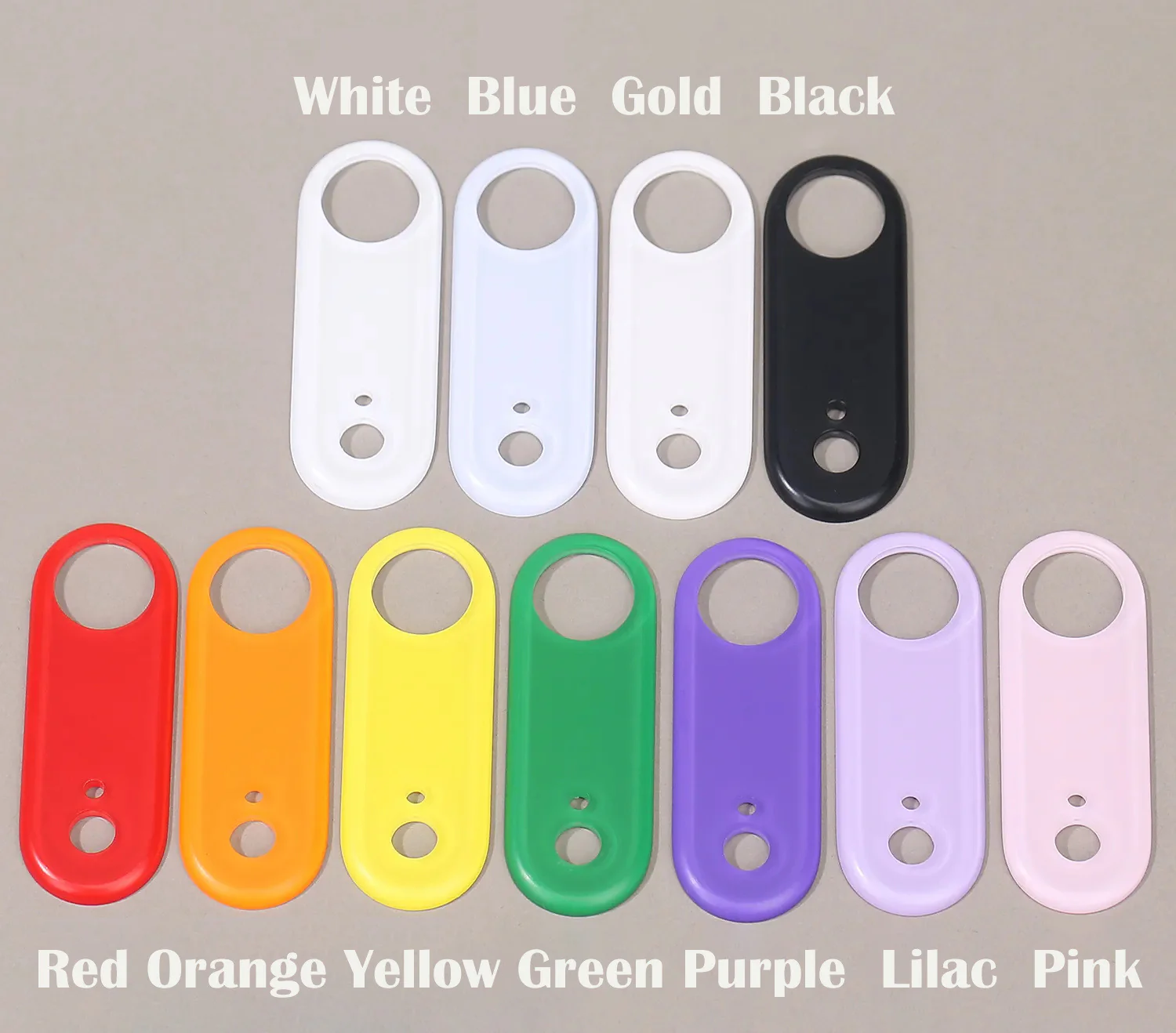
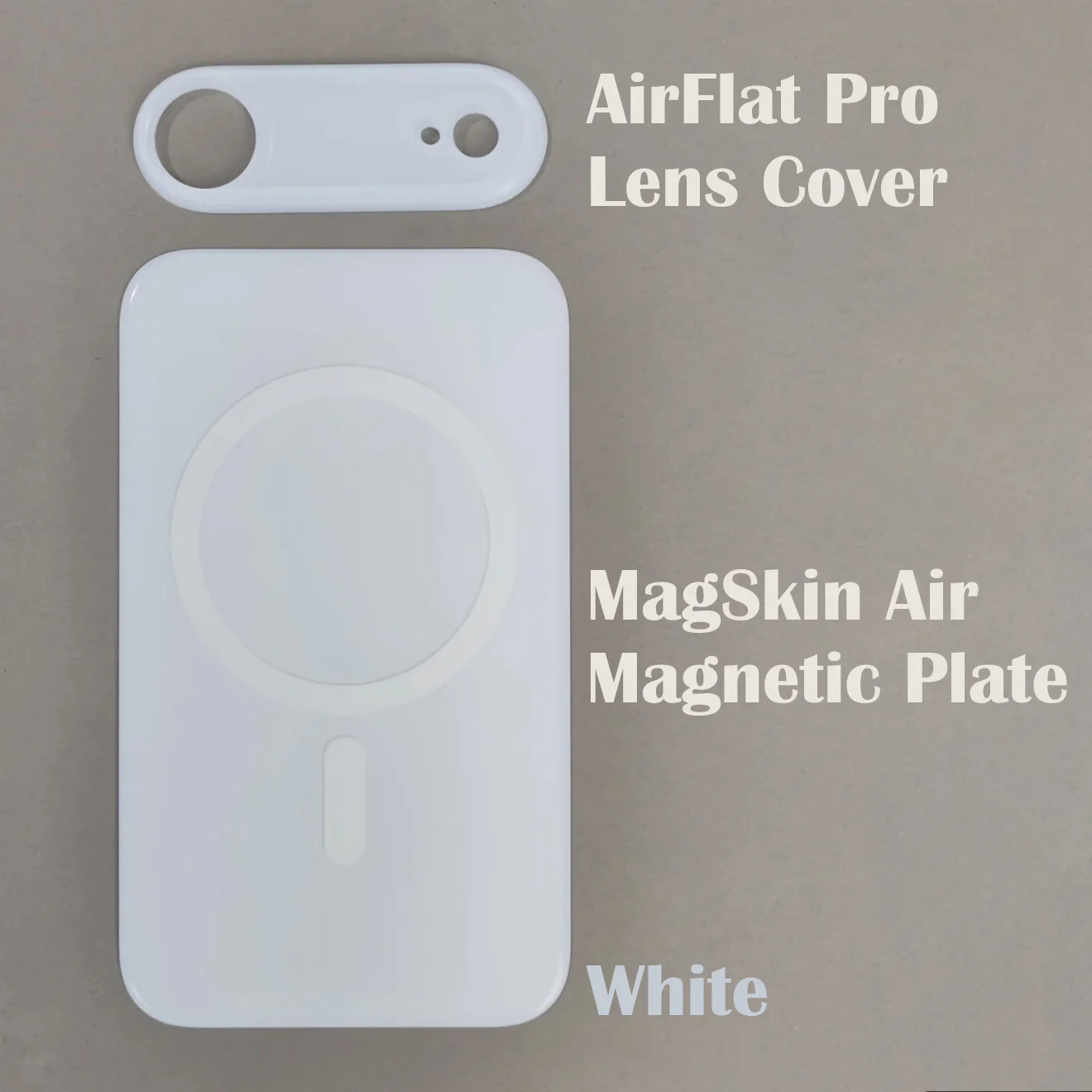
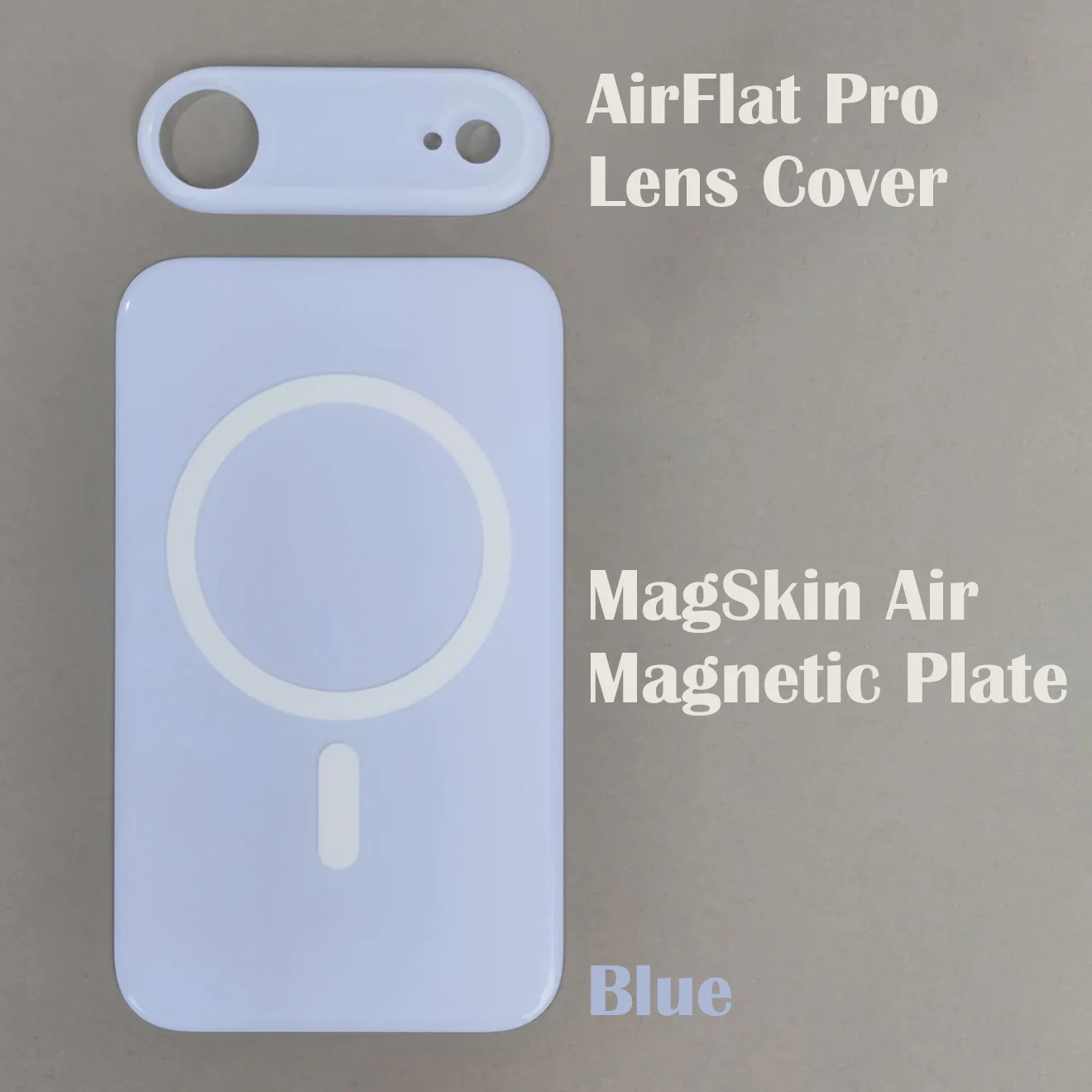
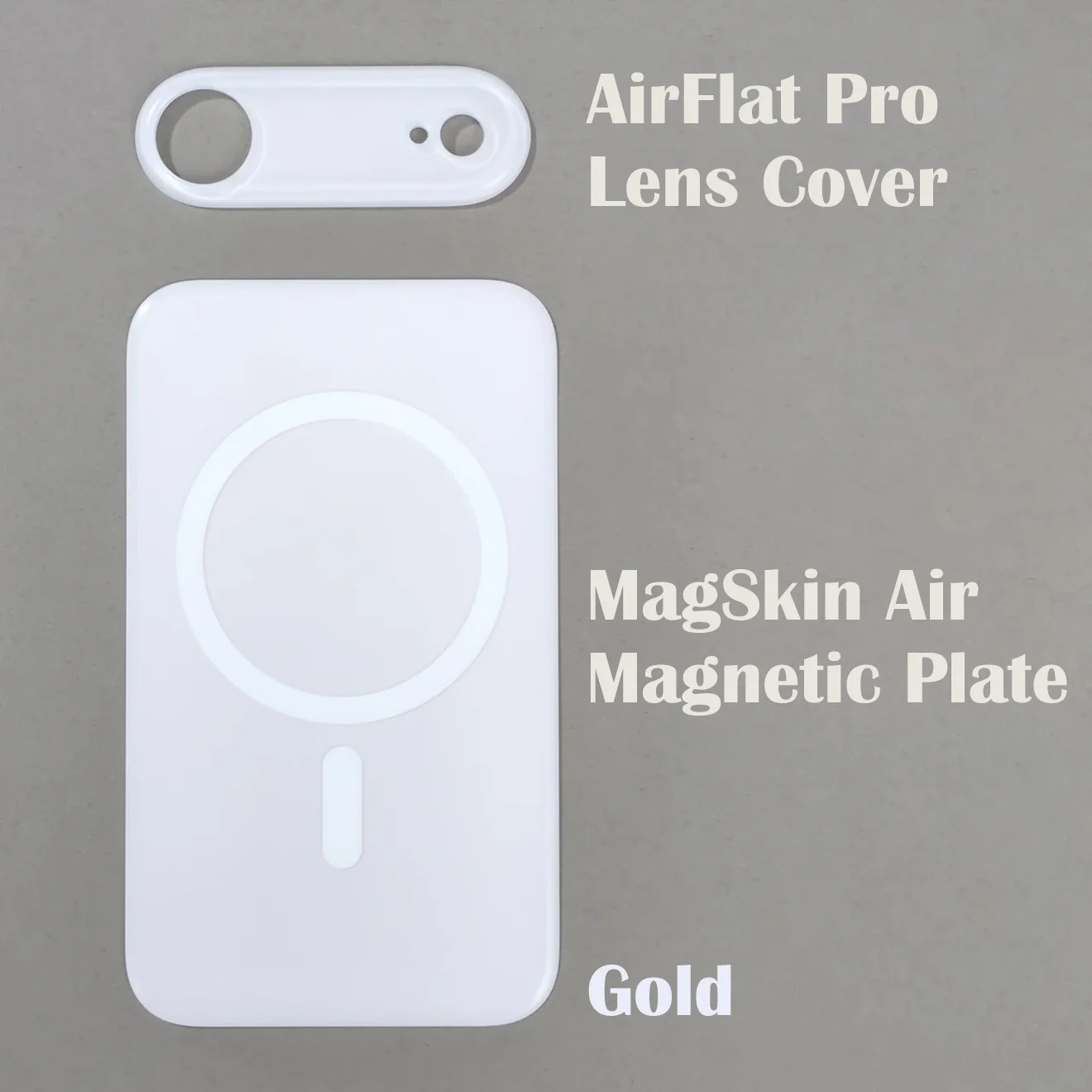
Pair ZEERA MagSkin Air Magnetic Plate with ZEERA AirFlat Pro Lens Cover for the best experience.
Enjoy stronger magnetism, a flat & stable back, and a clean seamless feel.

Original: $19.99
-70%$19.99
$6.00More Images
ZEERA MagSkin Air : Ultra-Thin Magnetic MagSafe Back Plate for iPhone Air
Snap Stronger. Hold Better.
Built with a large integrated MagSafe magnetic array,
delivering stronger magnetic force than the naked phone —
for a more secure and stable attachment to all MagSafe accessories.
Ultra-Thin. Barely There.
At just 1.1mm thickness,
it blends seamlessly into your iPhone Air —
giving you a true bare-metal feel with enhanced grip.
Skin-Like Touch Finish.
Premium matte frosted surface
offers a smooth, skin-like texture that feels natural in hand —
no fingerprints, no sticky feeling.
Protect What Matters.
Covers the back glass area to reduce scratches and wear,
while keeping your phone lightweight and minimal.
No Yellowing. Long-Lasting.
Made from high-quality PC material,
resistant to aging, discoloration, and oxidation over time.
⚠️ Important Notes (Before You Use)
-
This is NOT a phone case
-
No side frame protection
-
Slightly smaller than full back coverage (~0.9mm inward margin)
-
Compatible with Apple official Bumper cases
👉 Think of it as a large magnetic enhancement plate, not a case.
Specifications
-
Type: Adhesive Ultra-Thin Flush Magnetic Plate for iPhone Air
-
Material: PC + Magnetic Array
-
Weight: ~13.5g
-
Dimensions: 121.5 × 70.5 × 1.1 mm
How to Install
-
Clean Your Phone
Make sure the back of your phone is clean and free of dust or debris. -
Peel the Adhesive Film
Remove the protective film from the back of MagSkin.
Tip: If magnetic strength is already sufficient, you may choose not to peel it off, or only peel a small portion for light adhesion. -
Align & Attach
Gently place MagSkin onto your phone.
The built-in magnets will help guide it into position — adjust to align with the edges. -
Press to Secure
Once aligned, press down on all four corners to secure it in place.
Usage Tips
-
Avoid dust or sand between iPhone and Magnetic Plate
- If you frequently use magnetic mounts (such as bike mounts, tripods, or magnetic rings), we recommend peeling off the adhesive film and using it together for a more secure and stable hold.
Removal
-
Gently peel from the edge with your fingernail
-
If needed, apply slight heat for easier removal
-
Use the original protective film to cover adhesive for storage
⚠️ Note: Adhesion may weaken after multiple reuses (normal)
Better Together: MagSkin Air × AirFlat Pro
Pair ZEERA MagSkin Air Magnetic Plate with ZEERA AirFlat Pro Lens Cover for the best experience.
Enjoy stronger magnetism, a flat & stable back, and a clean seamless feel.
Product Information
Product Information
Shipping & Returns
Shipping & Returns
Description
Snap Stronger. Hold Better.
Built with a large integrated MagSafe magnetic array,
delivering stronger magnetic force than the naked phone —
for a more secure and stable attachment to all MagSafe accessories.
Ultra-Thin. Barely There.
At just 1.1mm thickness,
it blends seamlessly into your iPhone Air —
giving you a true bare-metal feel with enhanced grip.
Skin-Like Touch Finish.
Premium matte frosted surface
offers a smooth, skin-like texture that feels natural in hand —
no fingerprints, no sticky feeling.
Protect What Matters.
Covers the back glass area to reduce scratches and wear,
while keeping your phone lightweight and minimal.
No Yellowing. Long-Lasting.
Made from high-quality PC material,
resistant to aging, discoloration, and oxidation over time.
⚠️ Important Notes (Before You Use)
-
This is NOT a phone case
-
No side frame protection
-
Slightly smaller than full back coverage (~0.9mm inward margin)
-
Compatible with Apple official Bumper cases
👉 Think of it as a large magnetic enhancement plate, not a case.
Specifications
-
Type: Adhesive Ultra-Thin Flush Magnetic Plate for iPhone Air
-
Material: PC + Magnetic Array
-
Weight: ~13.5g
-
Dimensions: 121.5 × 70.5 × 1.1 mm
How to Install
-
Clean Your Phone
Make sure the back of your phone is clean and free of dust or debris. -
Peel the Adhesive Film
Remove the protective film from the back of MagSkin.
Tip: If magnetic strength is already sufficient, you may choose not to peel it off, or only peel a small portion for light adhesion. -
Align & Attach
Gently place MagSkin onto your phone.
The built-in magnets will help guide it into position — adjust to align with the edges. -
Press to Secure
Once aligned, press down on all four corners to secure it in place.
Usage Tips
-
Avoid dust or sand between iPhone and Magnetic Plate
- If you frequently use magnetic mounts (such as bike mounts, tripods, or magnetic rings), we recommend peeling off the adhesive film and using it together for a more secure and stable hold.
Removal
-
Gently peel from the edge with your fingernail
-
If needed, apply slight heat for easier removal
-
Use the original protective film to cover adhesive for storage
⚠️ Note: Adhesion may weaken after multiple reuses (normal)
Better Together: MagSkin Air × AirFlat Pro
Pair ZEERA MagSkin Air Magnetic Plate with ZEERA AirFlat Pro Lens Cover for the best experience.
Enjoy stronger magnetism, a flat & stable back, and a clean seamless feel.